
What a good POS setup should improve
Counter space used well
Terminals and peripherals are chosen around the room staff actually have.
Workflow at the front kept clear
We compare layouts that reduce awkward reach and repeated sales steps.
Room for wider system needs
Simple tills and broader electronic functions are separated before choice.
Build the counter around the sale, not the other way round
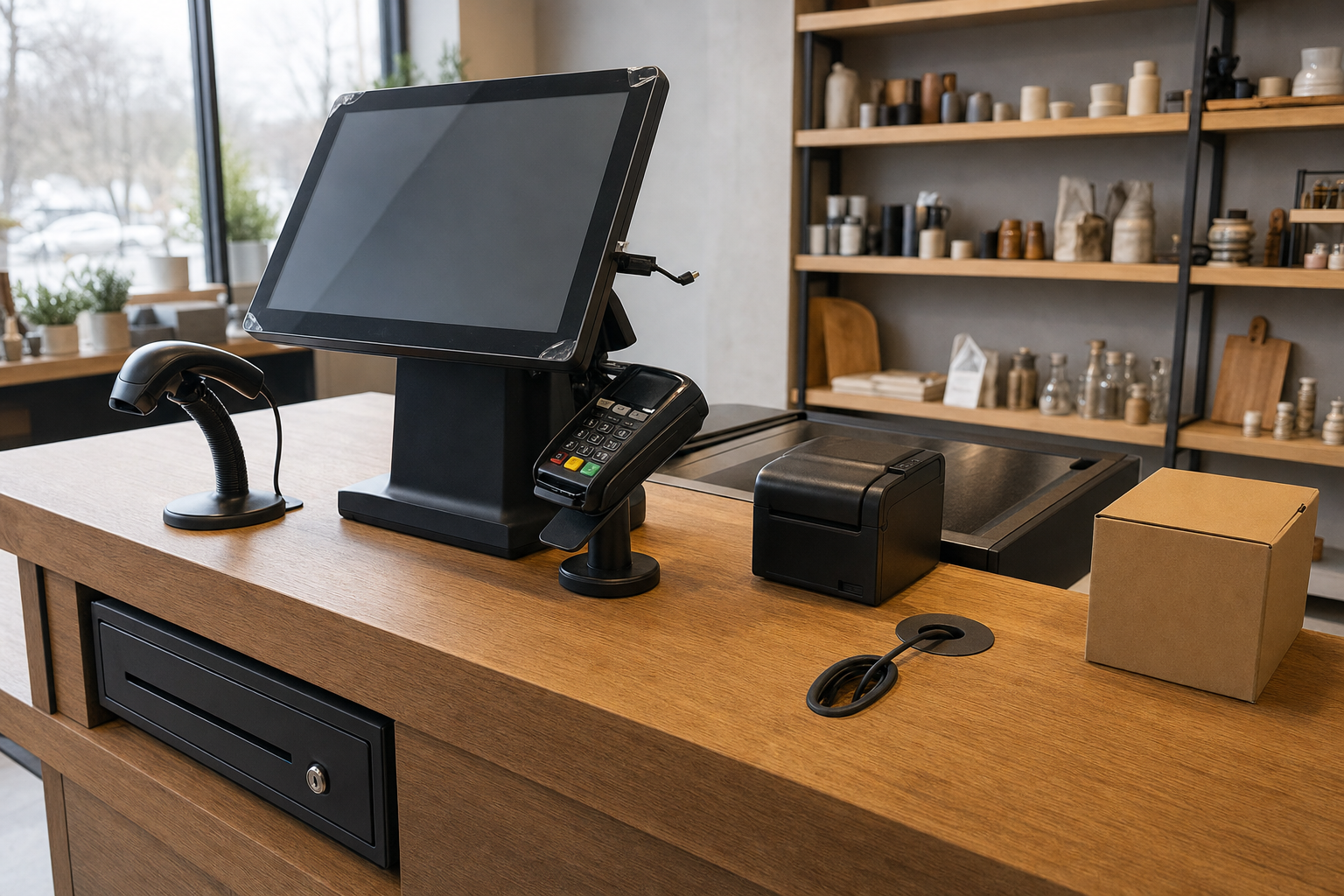
A POS setup should make the route from item entry to payment feel simple for staff and customers alike. We review the practical point-of-sale workstation itself, including touch screen terminals, receipt printers, barcode scanners and cash drawers, because counter space and workflow matter as much as the software. Product range, transaction speed and the number of steps in each sale all affect the design. With Nexustap, you compare POS systems around the way the checkout operates in real life, not around a generic spec sheet.
Separate a simple checkout from a broader system need
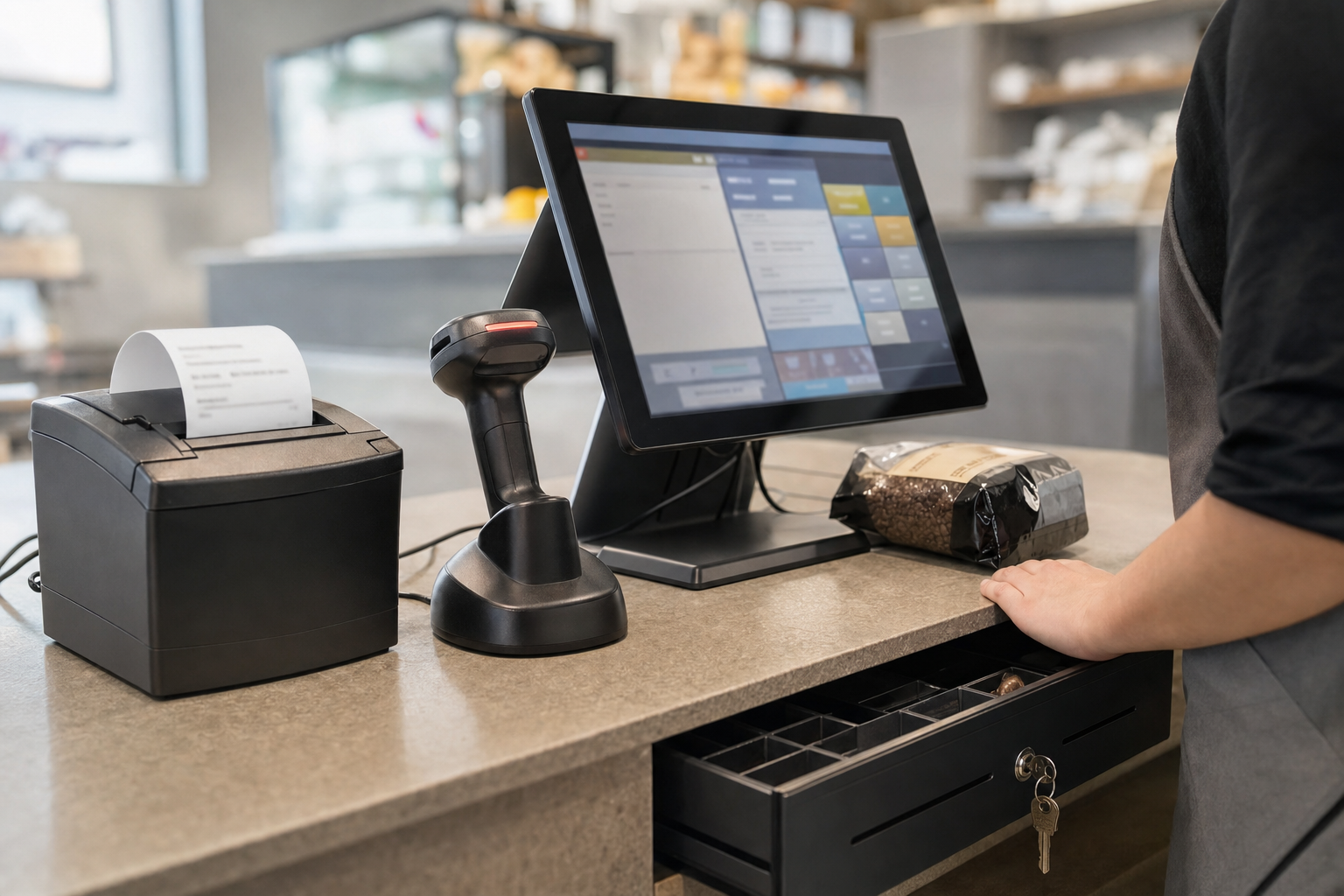
Some businesses need a straightforward payment point, while others need a broader electronic system with product and sales management functions behind it. We help you separate those needs so you do not pay for complexity you will not use or end up with a setup that runs out of room too quickly. A review through Nexustap also considers how the POS layout works with card payments and staff movement. In Newcastle upon Tyne, that usually leads to a cleaner counter flow and fewer repeated actions at busy times.
Frequently asked questions
What is usually included in a POS setup?
The setup often centres on the payment point itself, with terminals and supporting equipment such as printers, scanners or drawers depending on how sales are handled. The useful answer comes from the counter workflow, product range and what staff need to complete a sale smoothly.
How is POS different from EPOS?
POS focuses on the point where the sale is entered and paid for, while EPOS often points to a broader electronic system with added management and reporting functions. We help you decide how simple or how developed the setup needs to be for your business.
Which peripherals matter most at the counter?
That depends on the products you sell, the speed of service you need and the space available. Printers, scanners and drawers can all help, but only if they support the workflow rather than crowd it. We review the whole counter setup before narrowing the options.