
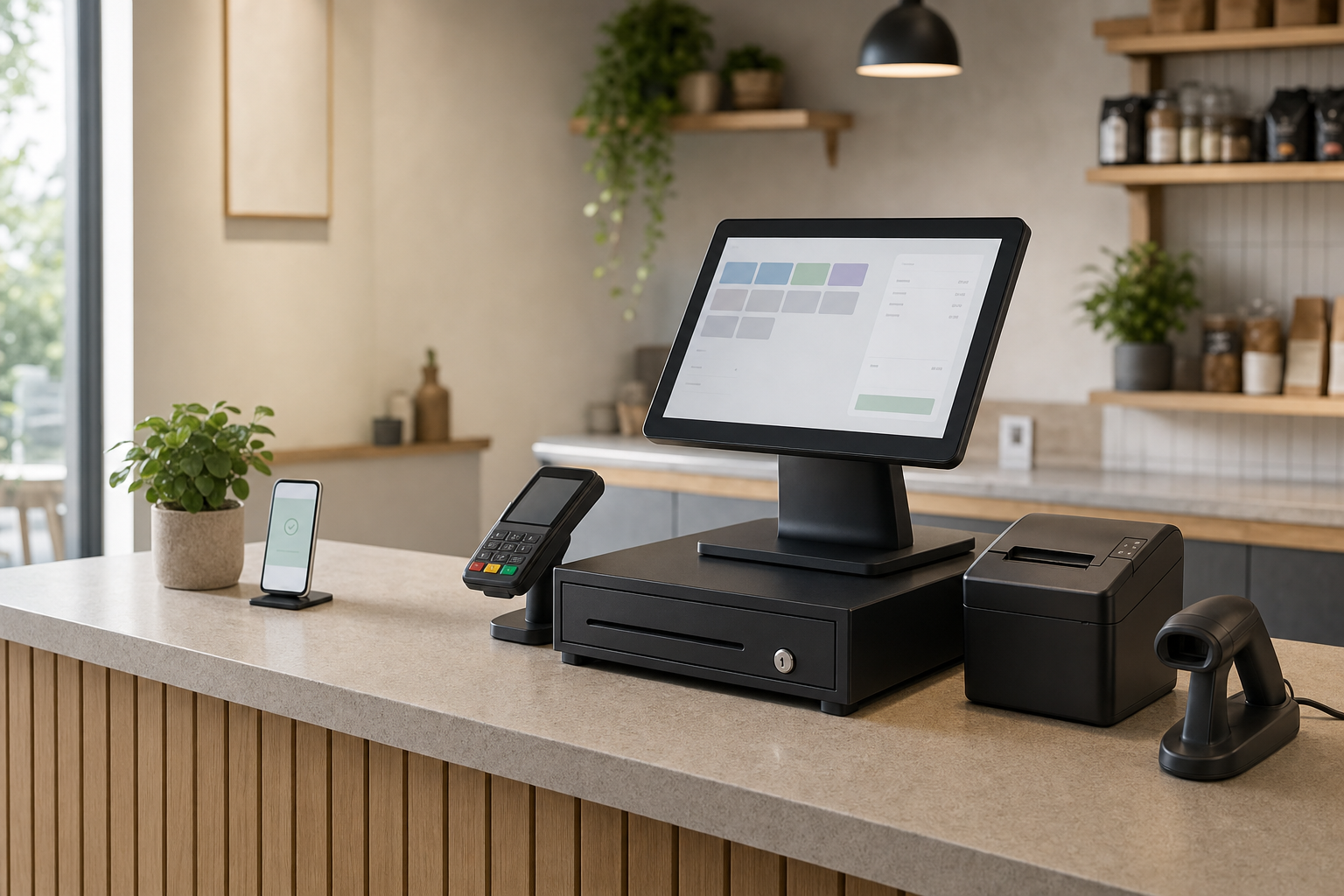
What a stronger till setup changes
A clearer sales workflow
Sales entry, product changes and records sit in one place, reducing split tasks.
Setup that suits your counter
Screen type, peripherals and layout are chosen around real trading conditions.
Reporting that helps decisions
Useful records are easier to reach when the system is built around daily use.
Bring sales entry and records into one workflow
If your till setup splits sales entry, product changes and payment recording into separate jobs, even small queues can turn into wasted time. We review EPOS systems as a working part of the counter, not just a screen and a drawer. That means looking at touch screen or cashless options, the size of your product range, how many staff use the system and what busy periods really look like. With Nexustap, you can compare setups that suit your layout and routine, so the system supports the pace of trade instead of forcing workarounds.
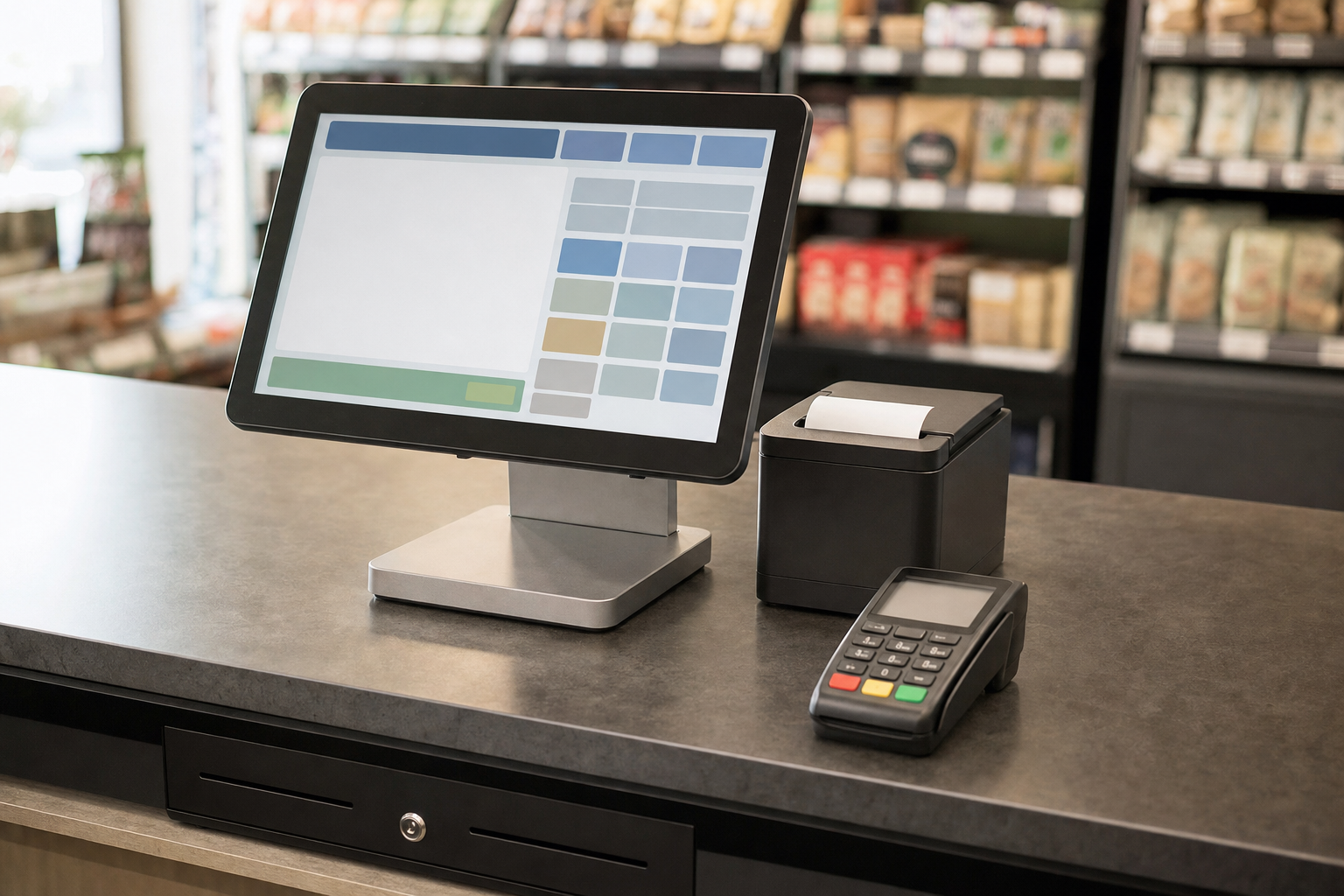
Choose a system that helps once the sale is done
A good EPOS choice should make daily decisions easier as well as transactions quicker. We look at interface clarity, the peripherals you actually need and the reporting that helps you track sales without digging through paper or duplicated entries. In Newcastle upon Tyne, businesses often find the bigger gain comes from how EPOS works with card payments, because fewer repeated steps at checkout means fewer hold-ups. A review through Nexustap starts with your current till process and ends with a configuration that fits the way your counter runs.
Frequently asked questions
What is the difference between POS and EPOS?
POS usually refers to the checkout point itself, while EPOS often covers the wider electronic system behind it, including product management and reporting. The useful question is not the label. It is how much control you need the system to give you day to day.
Do we need a cashless EPOS setup?
Not always. Cashless EPOS suits some trading models, but the right choice depends on how your customers pay, how your counter is laid out and what staff need to handle at busy times. We start with daily use, then decide whether that route is practical.
How do we choose the right EPOS peripherals?
Think about what staff actually touch during a sale. Receipt printers, barcode scanners and drawers can help, but only if they suit your products, counter space and pace of service. We compare the full workstation so you do not end up with parts that slow the job down.